
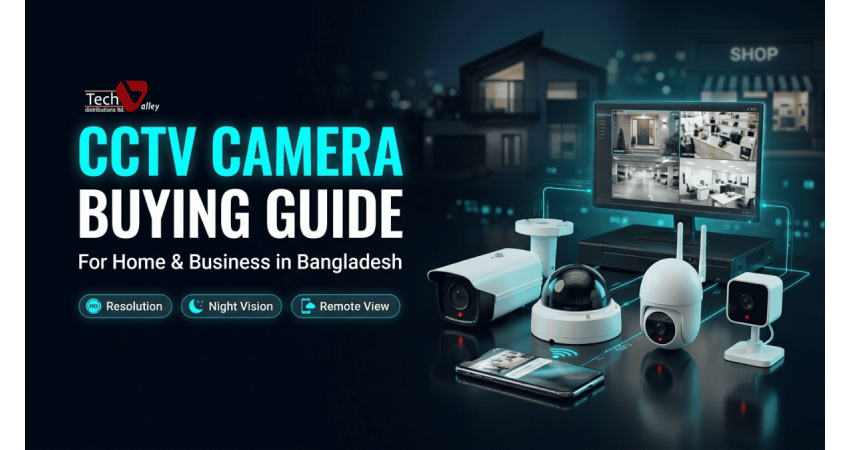
CCTV Camera Buying Guide for Home and Business in Bangladesh
A CCTV system is one of those purchases people postpone until something goes wrong: a stolen parcel, a missing cash drawer, an unknown visitor at the gate. This guide explains CCTV in plain English for Bangladeshi homes, shops, offices, warehouses and schools, so you can shop with a clear checklist. You can also browse the full CCTV and security camera collection in Bangladesh while you read.
Why CCTV Matters for Homes and Businesses
A camera is both a deterrent and a witness. Visible cameras discourage theft before it starts, recorded footage settles disputes with customers or staff, and live viewing on your phone lets you check on your shop or house from anywhere. For families, the biggest value is peace of mind for elderly parents, children and empty homes.
IP Camera vs HD (Analog-Style) Camera
An HD camera (analog HD) sends its picture over coaxial cable to a DVR. It is simple and usually lower in cost. An IP camera is a small network device that sends digital video over a network cable, often powered through that same cable. For a budget shop with existing cable runs, a HD camera set for shops and homes works well. For new installations that need sharper detail and easy expansion, an IP camera for home and office security is usually the better long-term choice.
| Point | HD (analog-style) camera | IP camera |
|---|---|---|
| Cable | Coaxial cable plus a separate power line | Network cable, often carrying power too (PoE) |
| Recorder | DVR | NVR |
| Best for | Small budgets and simple setups | New installations and growing businesses |
DVR vs NVR: The Recorder Decides the System
The recorder must match your cameras. A DVR for HD CCTV cameras encodes the video from analog-style cameras, while an NVR for IP camera systems stores video the cameras have already encoded. Choose a recorder with spare channels, so six cameras today means an eight-channel unit, and check how many hard disks it supports.
Camera Types: Dome, Bullet, PTZ and Portable WiFi
| Type | Best use | Things to know |
|---|---|---|
| Dome | Indoor shops, offices, school rooms | Discreet, lens direction less obvious |
| Bullet | Gates, boundary walls, parking, outdoor entrances | Visible deterrent, usually weather-ready |
| PTZ | Large open areas such as warehouses and yards | Pans, tilts and zooms on demand |
| Portable WiFi | Homes, rentals, baby or elder monitoring | Easy setup, needs stable WiFi and power |
For large compounds, a PTZ camera for warehouse and outdoor monitoring lets an operator follow movement and zoom in. For flats where drilling walls is difficult, a WiFi camera for home monitoring in Bangladesh is the easiest start.
Pro Tip
Use a mix: domes inside, a bullet camera at the entrance and one over the cash counter. Match the camera to the spot.
Resolution, Night Vision and Low-Light Performance
Higher resolution helps when you must recognise a face or read a number plate, but it creates larger files and needs more storage. For most homes and small shops, a modern full HD or higher camera is a sensible start; save the higher resolution for entrances and cash counters.
For night vision, most cameras use infrared and show a black-and-white picture. Some models add a warm white light or low-light sensors to keep colour at night. Infrared reflects badly off glass, so a camera behind a window often shows only glare.
Quick Note
Resolution alone does not guarantee a good picture. Lens, sensor, lighting and focus all matter, so ask to see sample footage at night.
Indoor vs Outdoor Cameras and Weather Protection
Bangladesh has heavy monsoon rain, humidity, dust and strong summer heat. Outdoor cameras need a weather-resistance rating suitable for rain and dust, and sealed cable joints. Many failures blamed on the camera are really water entering an unsealed connector. Keep indoor models indoors and avoid direct sun glare.
Field of View and Lens Choice
A wide lens covers more area but makes people look smaller; a narrower lens shows less area with more detail. Use wide lenses for general awareness and narrow ones at identification points. Varifocal models let the installer adjust the view on site.
Wide View
Best for shop floors and open offices, with less detail on faces.
Standard View
A balanced choice for most rooms, reception areas and parking spots.
Narrow View
Best for gates, doors and cash counters where identification matters.
Storage and Hard Disk Sizing
Recording days depend on the number of cameras, resolution, compression, frame rate, continuous or motion recording, and how busy the scene is. Tell your supplier how many cameras you have and how many days you want to keep, and they can estimate the disk. Choose a surveillance-grade hard disk, not a normal desktop drive, and leave headroom for future cameras.
Remote Viewing on Your Mobile Phone
Most systems offer a mobile app for live view and playback. The recorder needs an internet connection with reasonable upload speed. Change the default password on day one. If the connection drops, the recorder keeps recording locally, so internet affects viewing, not recording.
PoE, Cabling and Accessories
PoE (Power over Ethernet) sends data and power to an IP camera through one network cable, so you need no power point near each camera. You need a PoE switch or an NVR with PoE ports. Poor cable and loose connectors cause most random drop-outs, so see the IP camera accessories and cables for connectors, switches and brackets.
Power Supply and UPS Backup
A system that switches off during load-shedding fails when you need it. A small UPS for CCTV and NVR backup keeps the recorder running through short outages. Power your router and PoE switch from it too, or nothing will record or stream remotely.
Pro Tip
Add up the power use of your recorder, switch and router before choosing a UPS, or ask our team to calculate it.
Where to Place Cameras
Good placement matters more than camera count. Cover the points where a problem is most likely first.
| Location | Priority camera positions | Common blind spot |
|---|---|---|
| Home | Main gate, front and back doors, parking | Side passages and the area behind the house |
| Shop | Entrance, cash counter, shelves, stockroom door | Behind display racks and the corner near the counter |
| Office | Reception, server room, corridor, exit doors | Stairwells and printer rooms |
| Warehouse | Loading bay, aisles, gate, high-value racks | Gaps between tall stacks |
| School | Main gate, corridors, playground, staff and admin area | Back boundary and toilets approaches |
Mount cameras high enough to avoid tampering but low enough to capture faces, and aim them away from bright light. At a cash counter, see both customer and transaction.
Privacy and Responsible Use
Never place cameras in toilets, changing rooms or bedrooms, or point them into a neighbour's space. Put up a simple sign telling staff, students and visitors that cameras are in use, restrict who can export footage, and follow the rules that apply to your business. Responsible use also builds trust with customers and staff.
Access Control Add-Ons
Cameras record what happened; access control decides who can enter. Fingerprint, card or face-based door systems suit offices, schools and warehouses. Explore access control and attendance systems in Bangladesh for a complete setup.
Installation Planning and Maintenance
Before drilling, sketch camera positions, choose a ventilated, lockable spot for the recorder and plan cable routes. Afterwards, wipe lenses every few weeks, review playback to confirm recording works, and check the hard disk and UPS battery. A tidy installation with protected, labelled cables is far more reliable than a rushed one, and it makes future repairs much quicker.
Common Mistakes to Avoid
- Buying the cheapest set without checking warranty and local service.
- Choosing high resolution everywhere with a tiny hard disk.
- Pointing cameras at windows, bright lights or the sky.
- Keeping default passwords and skipping a UPS.
Popular CCTV Brands in Bangladesh
Hikvision and Dahua are widely used, with broad ranges and plenty of local technician experience. Compare the Hikvision IP camera price in Bangladesh and Dahua IP camera price in Bangladesh pages. Uniview suits professional IP systems, Ezviz is popular for simple home cameras, and ZKTeco is known for access control. Buy from an authorized seller such as Tech Valley computer and IT store in Dhaka so you get genuine products, official brand warranty and after-sales support.
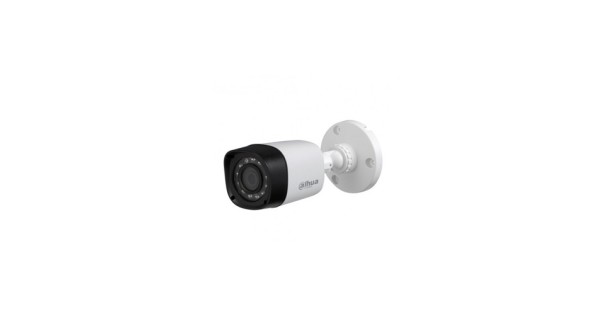
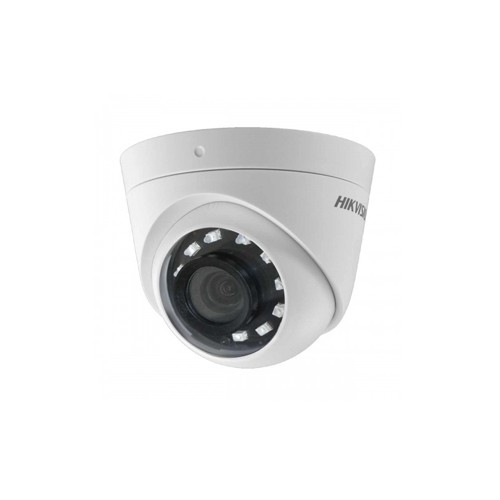
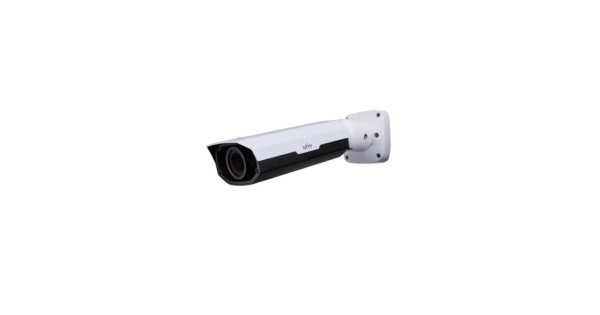
Prices and availability are as listed on the Tech Valley website at the time of writing and may change. Please confirm current price, stock and delivery with customer care before ordering.
CCTV Buying Checklist
Before you pay, confirm with your seller:
- Camera count, priority spots, and HD with DVR or IP with NVR.
- Resolution, lens and night vision for each location.
- Weather protection, hard disk size and mobile app support.
- UPS, cables, connectors and an installation plan.
- Authorized brand, warranty and local service.
Frequently Asked Questions
How many CCTV cameras do I need for a small shop?
Most small shops start with four: entrance, cash counter, shop floor and stock area. Add more for a back door or storeroom. A quick layout sketch helps our team suggest the exact number.
Can I watch my cameras on my phone?
Yes. Modern recorders and WiFi cameras include a mobile app. You need internet at the camera location and a strong password.
Do CCTV cameras work during load-shedding?
Only with backup power. A UPS keeps the recorder and router running through short outages.
Is an IP camera better than an HD camera?
IP cameras generally offer sharper detail, PoE and easier expansion. HD cameras remain an economical choice for simple setups. It depends on your budget, your existing cables and the area you must cover. Our team can compare both options for your site.
How much hard disk space will I need?
It depends on camera count, resolution, recording mode and days to keep. Share these details and we will recommend a suitable disk.
Are your CCTV products genuine and under warranty?
Yes. We sell authorized, genuine products with official brand warranty and run an after-sales service center.

There are no comments for this Article.