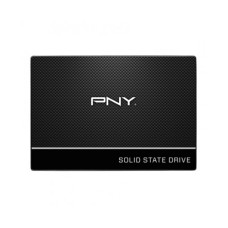
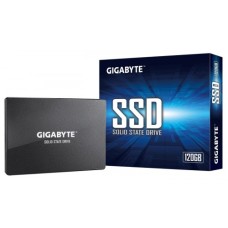
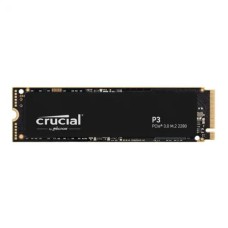
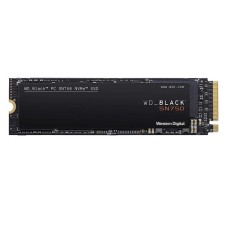
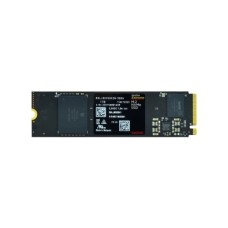
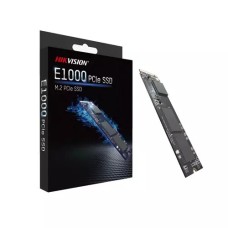
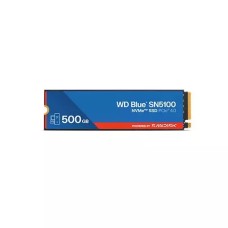
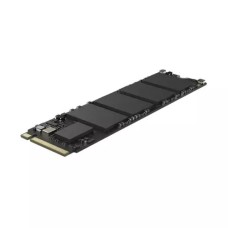
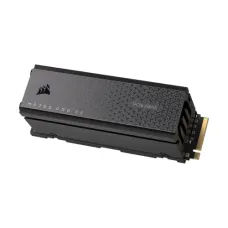
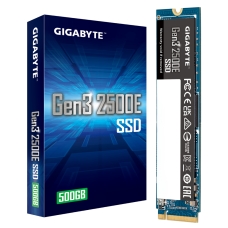
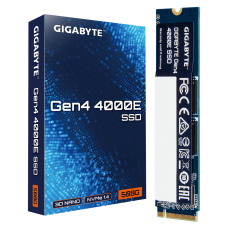
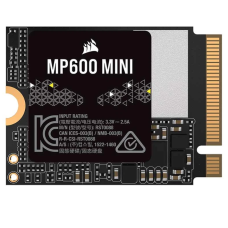
Fast SSD Price in Bangladesh for Quick Boot, Smooth Gaming and Smart Upgrades
Is your PC slow to start, slow to open apps, or stuck on loading screens? The fix is usually simple: an SSD. It's the single upgrade that makes the biggest difference for the least money.
At Tech Valley, we sell genuine SSDs from Samsung, WD, Kingston, Lexar, Crucial and more, all with official warranty. On this page, we help you pick the right SSD for your device, not just the one with the biggest number on the box.
Why Every PC Needs an SSD in 2026
A solid state drive (SSD) stores data on flash memory. It has no spinning disk and no moving parts. That makes it many times faster than an old hard disk.
Here's what changes after you switch:
- Windows boots in seconds, not minutes.
- Apps and games open quickly.
- File copies finish faster.
- The PC runs quieter and cooler.
- Laptops gain better battery life.
Modern Windows and games are built with SSDs in mind. Running them from a hard disk now feels painfully slow.
Even an old PC can feel new again with a basic SSD. It's often a better upgrade than more RAM or a new processor.
Planning a full upgrade instead? See our desktop PC price in Bangladesh for systems with fast NVMe storage built in.
SSD Price in Bangladesh by Capacity and Type
SSD prices depend on capacity, interface, generation and brand. Dollar rates and NAND supply also move prices up and down. These ranges are approximate.
| Capacity | SATA (2.5" / M.2) | NVMe Gen 3 | NVMe Gen 4 | NVMe Gen 5 |
|---|
| 256GB | 2,800 – 3,800 | 3,000 – 4,000 | 3,500 – 4,500 | — |
| 512GB | 4,000 – 5,500 | 4,200 – 5,500 | 4,800 – 6,500 | — |
| 1TB | 7,000 – 9,500 | 7,500 – 9,500 | 8,500 – 12,500 | 16,000 – 22,000 |
| 2TB | 13,000 – 17,000 | 14,000 – 17,000 | 15,500 – 22,000 | 26,000 – 35,000 |
| 4TB | — | — | 30,000 – 42,000 | 50,000+ |
Notice how small the gap is between SATA and Gen 4 NVMe. If your device supports NVMe, it's almost always the better buy.
The 512GB and 1TB sizes are the most popular. 512GB suits office and study PCs. 1TB is the sweet spot for gamers and creators.
Gen 5 drives are the fastest, but they need a new motherboard and good cooling. For most people, Gen 4 gives the best value.
Building a new Gen 4 or Gen 5 system? Start with the latest Intel and AMD processor price in Bangladesh.
Which SSD Fits Your Device?
This is the most important question, and it comes before speed. The wrong SSD simply won't fit or won't work.
| Your Device | SSD Type to Buy | Common Size |
|---|
| Older desktop (no M.2 slot) | 2.5" SATA SSD | 512GB – 1TB |
| Older laptop with HDD bay | 2.5" SATA SSD | 512GB |
| Modern laptop (2018 onward) | M.2 NVMe 2280 | 512GB – 1TB |
| Thin laptop, handheld, mini PC | M.2 NVMe 2230 / 2242 | 512GB – 1TB |
| New gaming PC | M.2 NVMe Gen 4 | 1TB – 2TB |
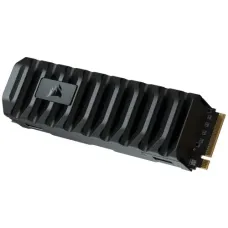
| PlayStation 5 | M.2 NVMe Gen 4 with heatsink | 1TB – 2TB |
Old Desktop or Laptop (SATA)
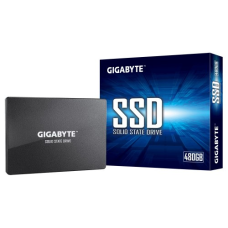
Many PCs from before 2017 don't have an M.2 slot. For these, a 2.5-inch SATA SSD is the right choice.
It connects with the same cable as your old hard disk. Speed tops out around 550 MB/s, but that's still about five times faster than an HDD.
Modern Laptop (M.2 NVMe 2280)
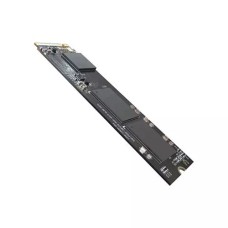
Most laptops from the last few years use an M.2 2280 slot. The "2280" means 22mm wide and 80mm long.
These slots usually support NVMe. A Gen 3 or Gen 4 drive works well. Gen 4 drives also run in Gen 3 slots, just at Gen 3 speed.
Is your laptop too old to upgrade? Compare the all laptop price in Bangladesh for models with NVMe already inside.
Thin Laptops, Handhelds and Mini PCs (2230 / 2242)
Some slim laptops, gaming handhelds and mini PCs use shorter M.2 drives. A 2280 drive won't fit these.
Check your device's manual or open the back panel before buying. We stock short-form drives for these devices.
Shopping for a new thin model? Check our original laptop price in Bangladesh with official warranty.
New Gaming Build and PS5 (Gen 4)
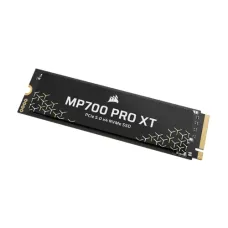
A Gen 4 NVMe drive is the best match for new gaming PCs. It loads big games fast and supports DirectStorage.
The PS5 needs a Gen 4 drive with at least 5,500 MB/s read speed. Sony also recommends a heatsink. Most good Gen 4 drives with heatsinks fit perfectly.
Want fast loading without building anything? Browse our gaming PC price in Bangladesh.
Gaming on the go? A gaming laptop with fast NVMe SSD gives you quick load times anywhere.
Check Your Slot in 3 Simple Steps
Not sure which SSD your PC supports? These three steps take only a few minutes.
Step 1: Find your exact model. On a laptop, check the sticker underneath. On a desktop, find the motherboard name in the System Information app or with free tools like CPU-Z.
Step 2: Read the storage specs. Search your model's spec page or manual. Look for phrases like these:
- "M.2 PCIe NVMe" means NVMe drives work.
- "M.2 SATA" means only M.2 SATA drives work.
- "2.5-inch SATA bay" means a regular SATA SSD fits.
- "2230," "2242" or "2280" tells you the drive length.
Step 3: Check the key type. Most NVMe drives use an M-key connector with one notch. Some older M.2 SATA drives use B+M keys with two notches. The connector must match your slot.
Still unsure? Send our team your laptop or motherboard model. We'll check compatibility before you order.
What Really Makes an SSD Fast
The read speed on the box is a peak number. Real-world speed depends on a few other things that most sellers don't mention.
SLC Cache and Sustained Speed
Most SSDs use a small, fast cache area called SLC cache. Data writes there first at top speed.
When you copy a very large file, the cache fills up. The drive then drops to its slower "sustained" speed. On budget drives, this drop can be big.
For everyday use and gaming, you'll rarely notice. For video editors who copy huge files often, sustained speed matters a lot.
DRAM vs HMB vs DRAM-less
The SSD needs a map of where data is stored. Where it keeps that map affects speed.
| Type | How It Works | Best For |
|---|
| DRAM cache | Has its own fast memory chip | Heavy work, editing, main drive |
| HMB (Host Memory Buffer) | Borrows a little system RAM | Gaming and daily use |
| DRAM-less SATA | No cache, no HMB | Light use only |
HMB NVMe drives are great value. They perform well for gaming and everyday tasks.
DRAM drives keep speed steadier under heavy, long workloads. Pick one if you edit video or run big projects.
Avoid DRAM-less SATA drives for your main Windows drive if you can. They slow down noticeably over time.
TLC vs QLC and TBW
NAND type affects speed and lifespan.
| NAND Type | Speed | Endurance | Price |
|---|
| TLC | Faster sustained writes | Higher TBW | A little more |
| QLC | Slower after cache fills | Lower TBW | Cheaper per TB |
TBW means terabytes written. It shows how much data the drive can write over its life. A good 1TB TLC drive is often rated 600 TBW or more.
Most home users write far less than this. So QLC is fine for game libraries and storage. For your main system drive, TLC is the safer choice.
Fast storage works best with fast memory. Pair your SSD with the right desktop RAM price in Bangladesh.
Keep Your SSD Cool in Bangladesh's Heat
Fast NVMe drives get hot, especially Gen 4 and Gen 5 models. When they get too hot, they slow down to protect themselves. This is called thermal throttling.
Bangladesh's warm rooms make this more likely, especially in summer. Here's how to avoid it:
- Use a heatsink. Many motherboards include an M.2 cover. If yours doesn't, buy a drive with a heatsink built in.
- Keep airflow moving. A front intake fan helps cool the M.2 area.
- Clean dust regularly. Dust traps heat inside the case.
- Laptops: use the laptop on a hard surface, not a bed or cushion.
A cooler CPU also lowers heat around the M.2 slot. See our air and liquid CPU cooler price in Bangladesh.
Most SSDs run safely below about 70°C. Free tools like CrystalDiskInfo show the drive's temperature.
SATA and Gen 3 drives usually run cool without a heatsink.
Moving to Your New SSD: Clone or Fresh Install?
You've got your new SSD. Now you have two ways to set it up.
| Option | How It Works | Best For |
|---|
| Clone | Copies your old drive exactly to the SSD | Keeping all apps and settings |
| Fresh install | New, clean Windows on the SSD | Old, slow or cluttered systems |
Cloning is quick and keeps everything. Many SSD brands offer free cloning software, like Samsung Magician or Acronis for WD. You'll need a USB-to-SATA or USB-to-NVMe adapter for laptops with one slot.
A fresh install gives the best performance. It removes years of junk files and old drivers. Back up your files first, then install Windows on the SSD.
Our advice: if your old system is slow or full of problems, choose a fresh install. If it runs well, cloning saves time.
After setup, keep your old HDD as a second drive for backups and storage. It's a smart use for it.
How to Spot a Fake SSD
Fake SSDs are a real problem in the market. Some claim 1TB but hold only a fraction of that. Others are old, used drives in new packaging. Both can lose your data without warning.
Watch for these warning signs:
- Price far below market: a 1TB NVMe for half the usual price is a red flag.
- Unknown brand with huge capacity: cheap no-name "2TB" drives are often fake.
- No official warranty: genuine drives come with brand or distributor warranty.
- Mismatched details: the model or serial on the drive doesn't match the box.
- Strange behaviour: files copy fine at first, then become corrupted or unreadable.
How to check a drive you already have:
- CrystalDiskInfo: shows the real model, health and power-on hours. A new drive should show almost zero hours.
- H2testw or ValiDrive: writes test data to the full capacity and checks it. Fake drives fail this test.
- Brand software: tools like Samsung Magician or WD Dashboard only recognise genuine drives.
- Warranty check: enter the serial number on the brand's official website.
At Tech Valley, every SSD is genuine, sealed and covered by official warranty.
Popular SSD Brands and Models
Many brands sell SSDs, but quality and support vary. These brands are trusted for reliable drives and proper warranty.
| Brand | Popular Models | Known For | Typical Warranty |
|---|
| Samsung | 870 EVO, 990 EVO Plus, 990 Pro | Top reliability, own NAND and controller | 5 years |
| WD (Western Digital) | SN580, SN7100, SN850X | Strong gaming drives, simple software | 5 years |
| Kingston | A400, NV3, KC3000 | Good value for every budget | 3 – 5 years |
| Lexar | NM620, NM790 | Great speed for the price | 5 years |
| Crucial | P3 Plus, T500 | Reliable, good value Gen 4 | 5 years |
| Team Group | MP44, Cardea series | Gaming drives with heatsinks | 5 years |
| Transcend | 220S, 250S | Durable, stable storage | 5 years |
For budget upgrades, Kingston NV3 and Lexar NM620 offer great value.
For gaming, WD SN850X, Samsung 990 Pro and Lexar NM790 are top picks.
Fast storage cuts load times, but frame rates depend on your GPU. Check the latest graphics card price in Bangladesh.
Finish your setup with our gaming accessories in Bangladesh.
For older PCs, Samsung 870 EVO and Kingston A400 are reliable SATA choices.
How to Get SSD at the Best Price in BD?
At Tech Valley, we offer genuine SSDs at competitive prices, with official warranty on every drive. We stock SATA, NVMe Gen 3, Gen 4 and Gen 5 SSDs from trusted brands.
Here's how to get the best value from us:
- Check the 512GB vs 1TB gap. Bigger drives often cost less per GB.
- Pick Gen 4 over Gen 3. The price difference is small for much better speed.
- Ask about combo offers. Building a PC? Bundle your SSD with other parts.
- Use EMI. Spread payments on major bank cards.
Want a ready combo? Our Gigabyte PC bundle with SSD upgrade options saves you time and money.
Not sure which drive fits? Send us your laptop or motherboard model. Our team will confirm the slot type, size and the best SSD for your budget. We deliver across Bangladesh.
Frequently Asked Questions
What is the SSD price in Bangladesh?
SSDs start at about 2,800 taka for 256GB SATA and go above 30,000 taka for 2TB Gen 5. Most buyers spend 4,500 to 12,500 taka.
What is the price of a 512GB SSD in BD?
A 512GB SSD costs about 4,000 to 6,500 taka. SATA models cost less. Gen 4 NVMe models cost a little more.
Which SSD is best for gaming?
A 1TB or 2TB Gen 4 NVMe SSD is best for gaming. WD SN850X, Samsung 990 Pro and Lexar NM790 are top choices.
Is NVMe better than SATA SSD?
Yes. NVMe is much faster, reaching thousands of MB/s. SATA tops out near 550 MB/s. Use SATA only if your PC lacks an M.2 NVMe slot.
How do I know which SSD fits my laptop?
Check your laptop's spec page for "M.2 NVMe" or "SATA," and the drive length like 2280. Our team can also check your model for you.
Is a DRAM-less SSD good?
DRAM-less NVMe drives with HMB are good for gaming and daily use. For heavy editing or long file transfers, choose a drive with DRAM cache.
Can I clone my HDD to an SSD?
Yes. Free tools like Samsung Magician or Acronis copy your whole drive to the SSD. A fresh Windows install gives the best performance, though.
How can I tell if an SSD is fake?
Check the serial number on the brand website. Run CrystalDiskInfo and H2testw. Very low prices and unknown brands are common warning signs.
How long does an SSD last?
Most SSDs last 5 to 10 years with normal use. Their TBW rating shows endurance, and most home users never reach it.
Where can I buy a genuine SSD in BD?
You can buy genuine SSDs from Tech Valley. We offer official warranty, compatibility advice and delivery across Bangladesh.