
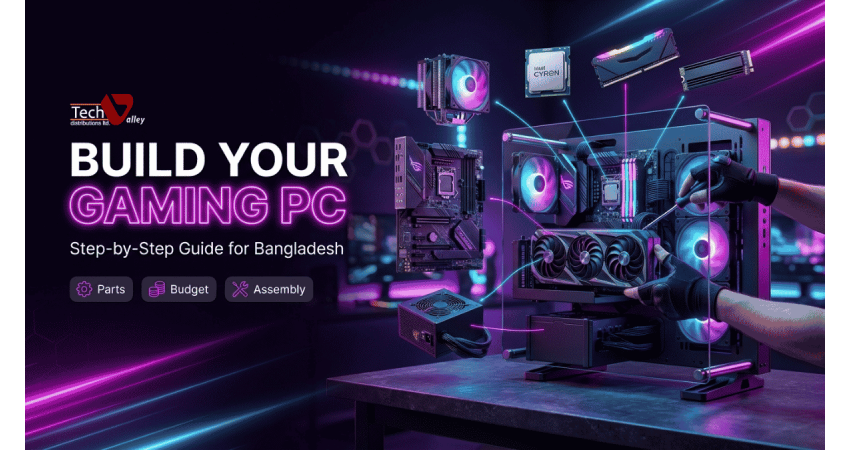
How to Build a Gaming PC in Bangladesh: Step-by-Step Guide
Building your own gaming PC lets you choose every part, avoid paying for features you will never use and end up with a machine that is easy to upgrade. In Bangladesh there are extra things to think about, such as genuine parts, official warranty, unstable power and where to get help. This guide walks you through the process, from budget to first stress test.
If you would rather not guess, ask the team at Tech Valley computer shop in Agargaon to check your list for free.
Step 1: Decide Your Budget, Games and Resolution
Every good build starts with two questions: what do you want to play, and how much can you spend? Note your most demanding games, your target resolution and refresh rate, then set a total budget that includes the monitor and peripherals.
| Your target | What matters most | Where to be careful |
|---|---|---|
| Esports at 1080p, high refresh rate | Fast processor, fast monitor, enough RAM | Do not overspend on the graphics card |
| Modern games at 1080p or 1440p | A balanced processor and a strong graphics card | Do not pair a top GPU with a very weak CPU |
| High settings at 1440p or 4K | The most powerful graphics card you can afford, plus a good power supply | Case airflow and power supply quality |
Quick Note
Your monitor decides how much graphics power you actually need. A 1080p screen does not benefit from a card built for 4K, so match the two before you spend.
Step 2: Split Your Budget Sensibly
For a gaming PC, the graphics card should take the biggest share of the budget, followed by the processor. Many first-time builders spend heavily on a flashy case while choosing a weak power supply or a single RAM stick.
Largest share: Graphics card
This is the part that decides your frame rate in most games, so protect this part of the budget first.
Medium share: CPU, board, RAM, SSD
These parts should be balanced with the GPU. A weak link here will hold back a good graphics card.
Smaller share: PSU, case, cooling
Keep these modest but never cheap. They protect everything else and keep temperatures under control.
Step 3: Choose the Processor (Intel vs AMD)
Both Intel and AMD make excellent gaming processors. Compare the models in your budget on gaming performance, core count, power use and the cost of the matching motherboard. Streamers and video editors benefit from more cores, while esports players can often save here and spend more on the GPU. See current models in the gaming processor price in Bangladesh section.
Step 4: Pick a Motherboard and Check the Socket
The motherboard must match your processor socket exactly. Also check the chipset, DDR4 or DDR5 support, the number of M.2 slots and memory slots, and the board size (ATX, Micro-ATX or Mini-ITX). Browse gaming motherboard price in BD options for your chosen CPU.
Pro Tip
A matching socket is not always enough. Some older boards need a BIOS update before they recognise a newer processor, so ask us to confirm this before you buy.
Step 5: Select the Graphics Card
Check the GPU model, video memory, physical length, power connectors and recommended power supply. Cards using the same GPU can differ in cooling, noise and size. In a graphics card price in Bangladesh listing, make sure the product is genuine and has official warranty.
Step 6: Memory (RAM) and Dual Channel
Two matching sticks beat one large stick. Running them in the correct slots enables dual channel mode, which gives the processor more bandwidth and often smoother games. Confirm whether your board uses DDR4 or DDR5, since they are not interchangeable. See desktop RAM price in Bangladesh kits and choose a matched pair.
Step 7: Storage with an NVMe SSD
A fast NVMe SSD makes Windows start quickly and cuts game loading times. Confirm your motherboard has an M.2 slot and which generation it supports. Explore the NVMe SSD price in Bangladesh range and pick enough capacity, since modern games can be very large.
Step 8: Power Supply Wattage and Quality
Follow the GPU maker’s recommended wattage and leave headroom for upgrades. Quality matters as much as wattage, especially where voltage fluctuations are common. Compare options in the gaming power supply price in Bangladesh category.
| Power supply check | Why it matters |
|---|---|
| Wattage meets the GPU maker’s recommendation | Prevents crashes and shutdowns under heavy load |
| Correct GPU power connectors available | Avoids needing risky adapters |
| Efficiency rating and brand reputation | Less heat, quieter running and better long-term reliability |
| Official warranty | Protects your entire system if the unit fails |
Step 9: Casing, Airflow and CPU Cooling
A good case must fit your motherboard and graphics card and let air move freely. Look for a mesh front panel, fan space for intake and exhaust, and room for your cooler. Bangladesh’s warm, humid climate makes airflow important. Compare designs in the gaming casing price in Bangladesh section.
If you buy a higher-end CPU or want lower noise, choose a tower air cooler or liquid cooler and check socket support and case clearance. See the CPU cooler price in Bangladesh range.
Step 10: Monitor and Peripherals
Choose a monitor whose resolution and refresh rate match what your hardware can deliver. Browse gaming monitor price in Bangladesh listings, and see gaming accessories in Bangladesh for keyboards, mice and headsets. Spend most on the monitor and mouse.
Step 11: Run a Full Compatibility Check
Before you order, check that every part works with the others. This takes only a few minutes and prevents the most expensive mistakes.
- The CPU socket matches the motherboard socket and chipset.
- The RAM type (DDR4 or DDR5) matches the motherboard.
- The graphics card length and thickness fit inside the case.
- The CPU cooler height and socket support fit the case and board.
- The power supply has enough wattage and the right connectors.
- The motherboard has the M.2 slot your SSD needs.
Free Compatibility Check
Send your parts list to Tech Valley and our team will check it for free before you buy, so you never end up with parts that do not fit together.
Step 12: Assemble the PC
Work on a clean table with a magnetic screwdriver and the manuals nearby. The usual order is:
- Install the CPU and RAM on the motherboard while it sits on its box.
- Fit the NVMe SSD into the M.2 slot.
- Mount the CPU cooler and connect its fan cable.
- Install the power supply and the motherboard in the case.
- Fit the graphics card, then connect all power and front panel cables.
Do not force any part; if it does not slide in smoothly, check the alignment markings.
Step 13: Cable Management
Tidy cables improve airflow and make upgrades easier. Route thick power cables behind the motherboard tray and secure them with Velcro straps. Use the manual’s diagram for the front panel header, because the tiny pins are easy to mix up.
Step 14: BIOS, Windows and Driver Setup
In the BIOS, confirm the CPU, RAM and SSD are detected and enable the memory profile (XMP or EXPO). Install Windows, then the latest chipset and graphics drivers from official sites. Plug the monitor cable into the graphics card, not the motherboard.
Step 15: Stress Test Before You Game
Run a CPU and GPU stress tool and watch temperatures, noise and stability. If the PC crashes or gets very hot, fix it now rather than during a match.
Pro Tip
Keep your invoice, warranty cards and part serial numbers in one folder. If a part ever needs service, official warranty claims become much faster.
Common Mistakes to Avoid
- Buying a cheap power supply to afford a stronger graphics card.
- Using one RAM stick and losing dual channel performance.
- Choosing a case with poor airflow or too little room for the GPU.
- Forgetting to enable the memory profile in the BIOS.
- Buying grey-market parts without official warranty or after-sales support.
- Spending the whole budget on the PC and having nothing left for a good monitor.
Plan Your Upgrade Path
Choose a board with spare RAM and M.2 slots, a power supply with spare capacity and a case with room for larger fans. Most gamers upgrade the graphics card first, then storage, then memory.
Build It With Tech Valley
Use the custom PC builder in Bangladesh to choose parts step by step, or let our technicians assemble everything. For a ready system, see gaming PC price in Bangladesh options. Every product is genuine with official warranty and after-sales support. We offer EMI, bKash and Nagad, and delivery to all 64 districts.
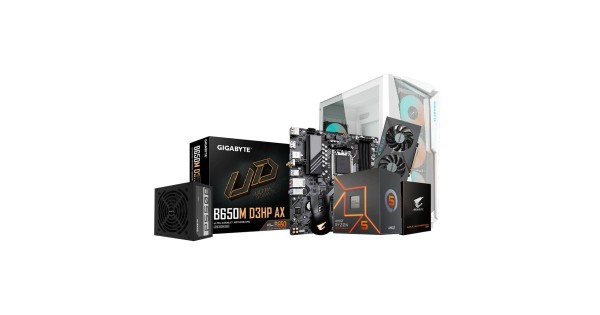
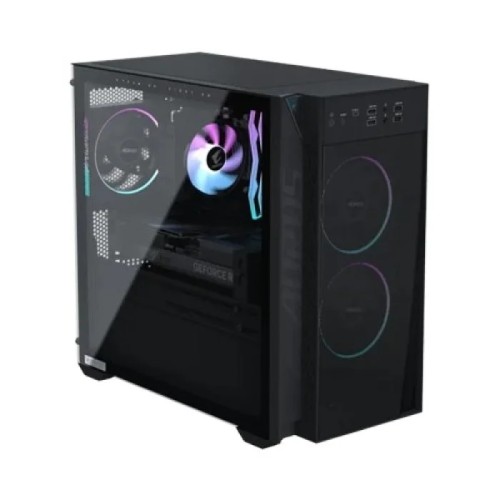
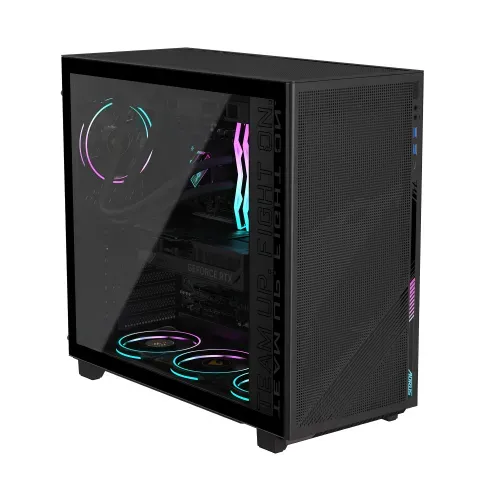
Prices and availability are as listed on the Tech Valley website at the time of writing and may change. Please confirm current price, stock and delivery with customer care before ordering.
Frequently Asked Questions
How much does it cost to build a gaming PC in Bangladesh?
The cost depends on the games you play, your resolution and the parts you choose. Prices change often, so check the current listings on our website or ask our team for a quote. We can suggest a build for almost any budget.
Is it cheaper to build a PC or buy a ready-made one?
Building usually gives you better value because you choose each part and avoid paying for extras. A ready-made system saves time and comes pre-tested. Tech Valley can also assemble your chosen parts, giving you the best of both.
Which is better for gaming, Intel or AMD?
Both brands offer strong gaming processors. The best choice depends on your budget, the motherboard cost and whether you also stream or edit video. Compare the models in your price range rather than choosing by brand alone.
How much RAM do I need for gaming?
Most modern gaming builds work best with two matched sticks running in dual channel. Choose a capacity that suits your games and multitasking, and leave free slots for future upgrades.
Do I really need an NVMe SSD?
It is not required, but it is strongly recommended. An NVMe SSD speeds up Windows and game loading, and most current motherboards support it. Check your board for an M.2 slot first.
How do I know if my parts are compatible?
Check the CPU socket, RAM type, GPU and cooler clearance in the case, M.2 support and power supply connectors. If you want certainty, send your list to Tech Valley and we will check it for free.
Does Tech Valley assemble the PC for me?
Yes. You can choose parts with the PC builder or by consulting our team, and our technicians will assemble and test the system. We also provide warranty and after-sales support.
Do you deliver outside Dhaka?
Yes, we deliver to all 64 districts. You can pay with bKash, Nagad or EMI, depending on the product and your payment option.

There are no comments for this Article.